How to automate habit tracking with Apple Shortcuts
Nuvo's Check In action is available in the Shortcuts app, so any trigger iOS offers can record a habit for you. Arriving home, closing a workout app, tapping an NFC tag on the kettle: pick the trigger, add Check In, choose the habit, save.
Triggers that map onto real habits
An automation is only as good as the trigger behind it. These are the ones that correspond to something you genuinely did:
- Arrive. Getting home logs “Walk the dog”, because the dog came with you.
- App Closed. Closing a workout or running app logs the training session.
- NFC. A cheap sticker on the pill box or the kettle logs medication or the morning glass of water when you tap it.
- Bluetooth. Disconnecting from the car logs the commute walk at the other end.
- Time of Day. Useful as a prompt rather than a record, paired with a confirmation step.
Building the first one
Choose Run Immediately rather than Run After Confirmation for triggers you trust. A confirmation prompt turns an automation back into a tap, which is the thing you were trying to remove.
- Open the Automation tabIn the Shortcuts app, tap Automation at the bottom.
- Add a triggerTap the plus button and pick a trigger such as Arrive, App Closed or NFC.
- Choose Run ImmediatelySo the automation does not stop to ask you.
- Add the Check In actionSearch for Nuvo and add Check In.
- Pick the habitChoose which habit the action should record.
- SaveTap Done. The automation runs in the background from now on.
Only automate things that really happened
A time-of-day automation that logs “Meditate” at 07:00 whether or not you meditated will fill your history with days you did nothing. After a fortnight the streak is decoration and you know it, which drains the motivation the streak was supposed to supply.
Keep automations tied to physical evidence: a location you arrived at, an app you closed, a tag you touched. Everything else is better served by a reminder that asks you to act.
Checking that it fired
Automations fail quietly. The usual causes are an automation left on Run After Confirmation, a location trigger with a radius too small for where you actually park, and Low Power Mode holding back background work.
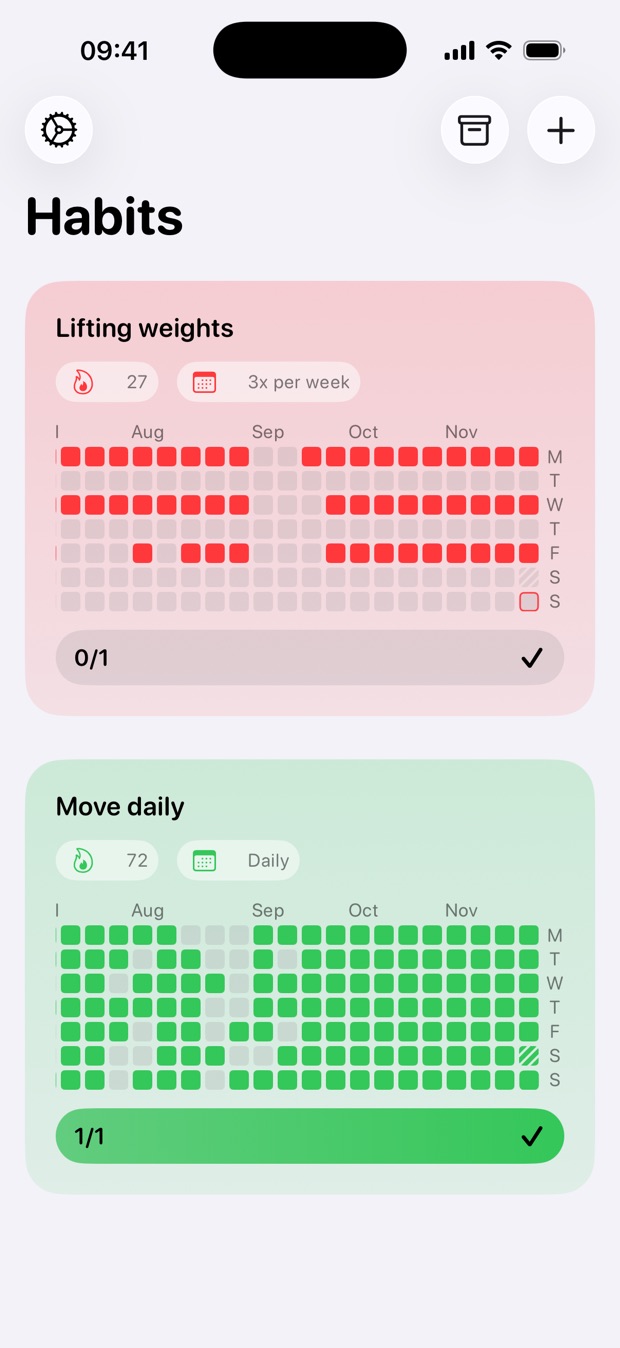
The quickest test is the habit card itself: trigger the condition, wait a minute, and look at today's tile. If the automation never fires, open Shortcuts, run the shortcut by hand once to confirm the action works, and then look at the trigger rather than the action.
Where automation stops helping
Some habits have no reliable signal. Reading ten pages, calling a friend and stretching all leave no trace an iPhone can detect. Those stay manual, and that is fine: the widget takes two seconds.
A sensible split is to automate the two or three habits with clean triggers and leave the rest to a well-timed reminder.
Questions about this
Does the automation work when Nuvo is closed?
Yes. The Check In action runs in the background, so the habit is recorded without the app opening or appearing on screen.
Can one automation check in several habits?
Yes. Add the Check In action more than once in the same shortcut and set a different habit on each one.