How to sync your habit tracker between iPhone and iPad
Sign in to the same Apple Account on both devices and leave iCloud Drive on. Nuvo syncs through your private iCloud database by itself. There is no account to create, no sync switch to find and nothing to press.
What travels between devices
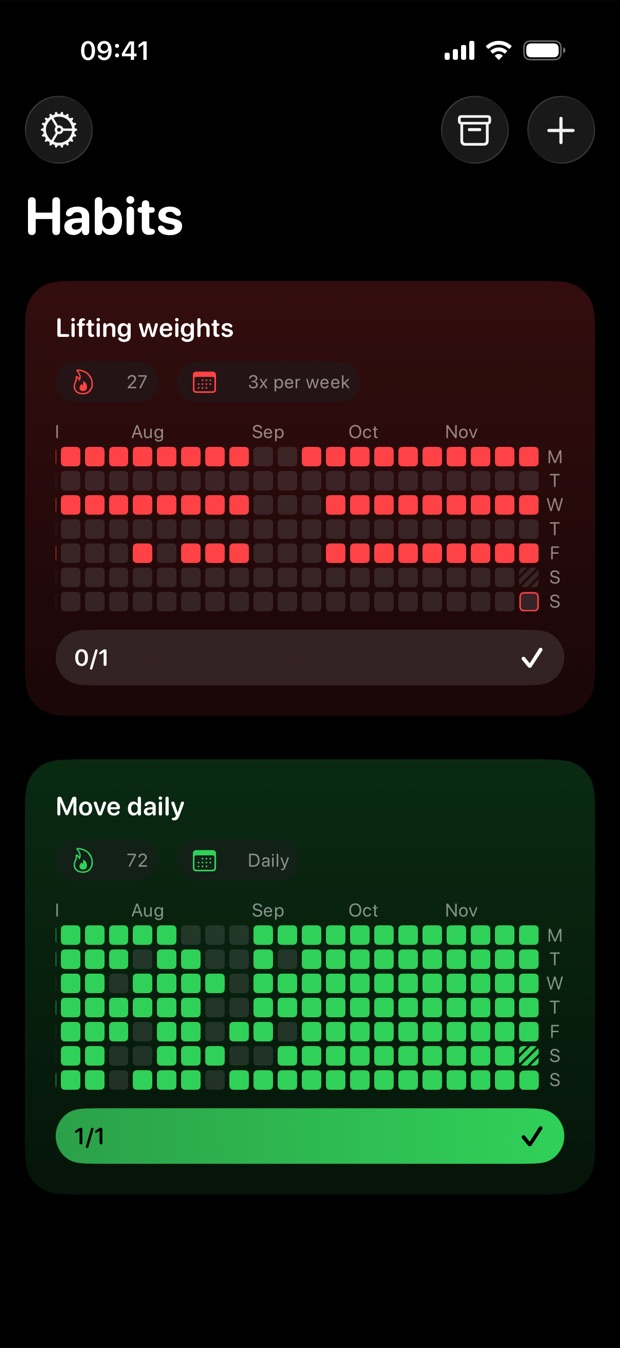
Habits, every check-in, streak history, reminder times, archived habits and vacation periods. Check in on the iPad at breakfast and the iPhone shows the same completed day a moment later.
Check-ins are stored against a day rather than a device, so two devices adding the same day do not produce two entries. That matters for a habit with a daily goal above one, where it would otherwise be easy to log four glasses of water twice.
Reminders are the one part that is device-local in effect: the times sync, but the notification is delivered by whichever device is awake and has permission. If you have granted notifications on the iPad as well, expect the reminder in both places.
Where the data lives
In your own iCloud container, not on a server belonging to Nuvo. There is no profile, no password and no database somewhere holding a copy of which habits you are trying to build. The app privacy policy sets out what is stored and what is not.
A practical consequence: restoring a new iPhone from your Apple Account brings the habits back with it, and signing out of iCloud leaves everything on the device.
When one device looks behind
Sync is not instant and a device that has been asleep in a drawer takes a moment to catch up. Four things to check, in order:
- Both devices are signed in to the same Apple Account.
- iCloud Drive is on, in Settings under your name, then iCloud.
- Both devices have a working network connection.
- Nuvo has been open in the foreground for a few seconds on the device that looks stale.
Habits beyond the free limit still sync
The free version shows the first two habits on your list. If you create more on one device and then look at another without Pro, those extra habits are still there and still syncing; they are locked in the list rather than removed.
That matters when a subscription lapses. Nuvo never deletes data because of the free limit, so upgrading later brings the whole list back exactly as it was.
What sync is not
It is not sharing. There is no way to let someone else see your habits or check in on your behalf, and nothing about your data is visible to anyone with your link or your email, because there is no link and no email on file.
It is also not a web app. Your habits exist on the Apple devices signed in to your account and nowhere else, which is the tradeoff you make for there being no server and no sign-up.
Questions about this
Does iCloud sync cost extra?
No. Sync is in the free version. It uses your own iCloud storage, and habit data is small enough that it will not be what fills your quota.
Can I use Nuvo without iCloud?
Yes. Signed out of iCloud, the app keeps everything on that device. Nothing leaves the phone and the only thing you lose is sync.